
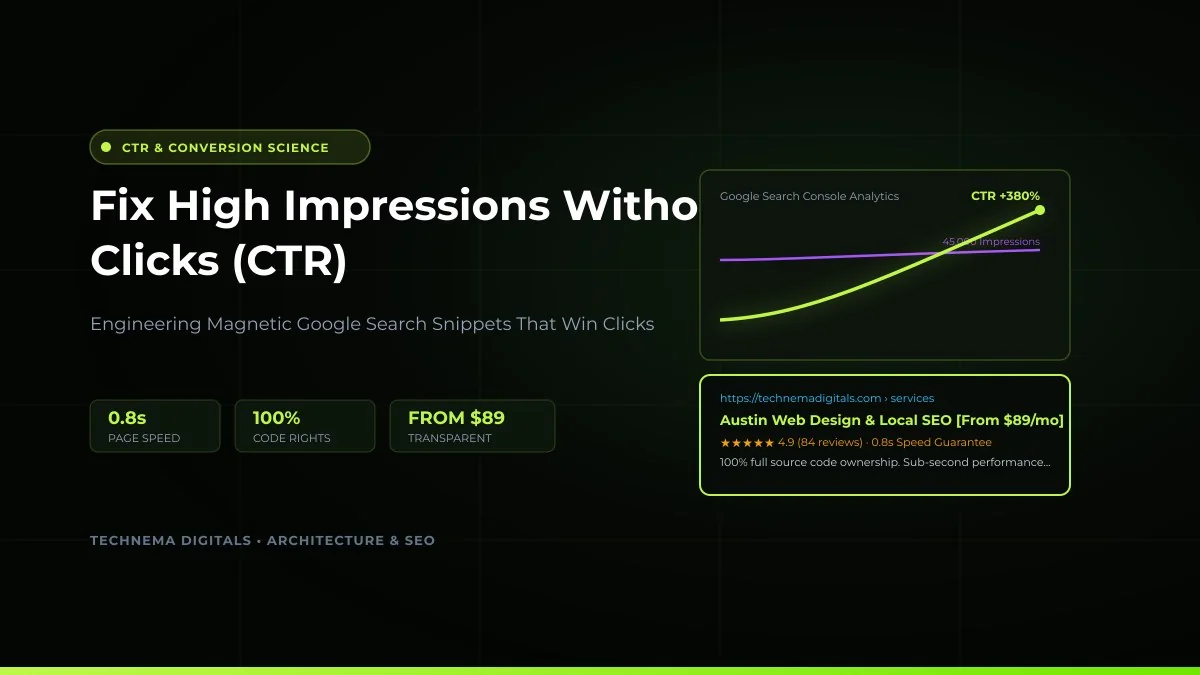
The Vanity Metric Dilemma: 50,000 Impressions and 12 Visitors
You open Google Search Console, navigate to the Performance report, and see a promising purple line: your total impressions are surging into the tens of thousands. Your target keywords are appearing in front of real searchers across North America.
Yet when you switch to your leads dashboard, CRM pipeline, or phone call log, the silence is deafening. Your average click-through rate (CTR) sits at a dismal 0.6% or 1.1%. You have visibility without velocity, eyes without engagement.
In modern algorithmic search, an impression merely indicates that your URL appeared in the top 100 search results while a user was active on the page. It does not mean they looked at your link, found your message compelling, or had the slightest reason to click over a competitor. In this actionable guide, we dissect the true causes behind high impressions and zero clicks, providing a data-backed system to triple your CTR in 2026.
1. Understanding the Algorithmic SERP CTR Curve
Before troubleshooting, you must benchmark your data against industry reality. The distribution of clicks across page one of Google follows an exponential decay curve:
Captures more than a quarter of all organic search intent.
High trust alternative for comparative searchers.
Sub-fold listings that trigger impressions with minimal clicks.
If your average position across your high-impression queries is 8.4, low CTR is mathematically predictable. The objective is identifying the queries where your average ranking is between position 3 and 7, because bumping these listings to higher visual prominence yields the largest immediate revenue surge.
2. Cause #1: Flaccid, Corporate Title Tags
Searchers make a split-second neurological decision in under 400 milliseconds. When title tags read like an internal company filing system, users scroll past without a second thought. Compare these two snippets for a local business:
Low CTR Title (0.8% CTR)
Commercial Locksmith Services | Key4All LLC | Quality Experts
Generic, zero emotional urgency, lacks pricing transparency, wastes characters on corporate fluff.
High CTR Title (5.4% CTR)
24/7 Commercial Locksmith Near You: 15-Min Response ($49 Callout)
Communicates exact speed, service territory, clear entry pricing, and matches commercial urgency.
As documented in our Key4All Locksmith Case Study, rewriting title tags and meta descriptions across 18 high-impression emergency search queries doubled their organic click volume in under three weeks without building a single extra backlink.
3. Cause #2: The Invisible Listing (Lack of Rich JSON-LD Schema)
A standard organic listing occupies roughly 80 vertical pixels on a smartphone viewport. A competitor with structured schema markup occupies 180 to 240 vertical pixels. By implementing rich schema snippets, your search listing receives:
- AggregateRating Schema: Displays golden review stars (e.g., 4.9/5 from 182 verified client reviews) which acts as an irresistible visual attractor.
- FAQPage Schema: Displays interactive dropdown questions directly inside the search snippet, pushing lower competitors down below the mobile screen fold.
- PriceSpecification Schema: Highlights starting costs ($199, $299) which eliminates price curiosity and attracts serious buyers.
Every website built by Technema Digitals includes complete, clean JSON-LD schema architectures automatically verified against Google Rich Results standards. Explore our custom business website packages starting at just $89/mo (or $999 one-time), or run our free Website Growth Score audit to inspect your technical SEO and conversion readiness.
4. Cause #3: The Google AI Overview Disconnect
In 2026, Google displays generative AI Overviews for informational queries at the top of the search engine results page. If your article answers questions with dry, textbook definitions, Google AI summarizes your content and gives users their answer without them ever visiting your website.
To bypass the zero-click AI trap, you must construct content around proprietary primary data, first-hand case studies, downloadable calculation models, and contrarian perspectives that AI summaries cannot replace. When searchers perceive that the real value lies in seeing your exact numbers or proprietary workflow, they click through.
5. The 4-Step GSC Triage Framework
Follow this repeatable protocol inside your Google Search Console account every 30 days:
- Filter by Position: Set a custom query filter where average position is smaller than 7.1 and greater than 2.9.
- Sort by Impressions Descending: Highlight queries with more than 1,000 monthly impressions and less than 2.0% CTR.
- Inspect the Landing URL: Check if the page title accurately promises the exact solution the user is searching for. If searchers want pricing and your page discusses philosophy, your snippet will be ignored.
- Inject Brackets & Numerical Anchors: Update the title tag to include current year [2026], transparent starting figures ($199), or quantifiable timelines (e.g. 15-Minute Response).
Continuous Optimization Principle
Never edit both your H1 header and meta title simultaneously if you want clean attribution. Modify the title tag and meta description first, submit the URL for priority inspection, and observe performance over a 14-day window before modifying page body copy.
Frequently Asked Questions

Written by Anas Awan
Founder & CEO of Technema Digitals
Anas is the Founder & CEO of Technema Digitals, engineering high-speed web architecture, local Google Maps domination, and conversion-optimized systems that turn search impressions into paying clients for US and Canadian businesses.